Recruiters skim your cover letter before flipping to the resume. They spot a clear headline and quick wins, then look for a hook that shows what you bring, not simply why you want the role.
To keep them engaged, use a single bold heading, bullet your achievements, and end with a call to action that asks for a conversation. Keep the layout clean, font simple, and proofread without errors.
If you want the mechanical part done for you, FuqHR takes your existing CV and the job ad and produces a tailored, ATS-friendly version: how it works · pricing · try it on your own CV.
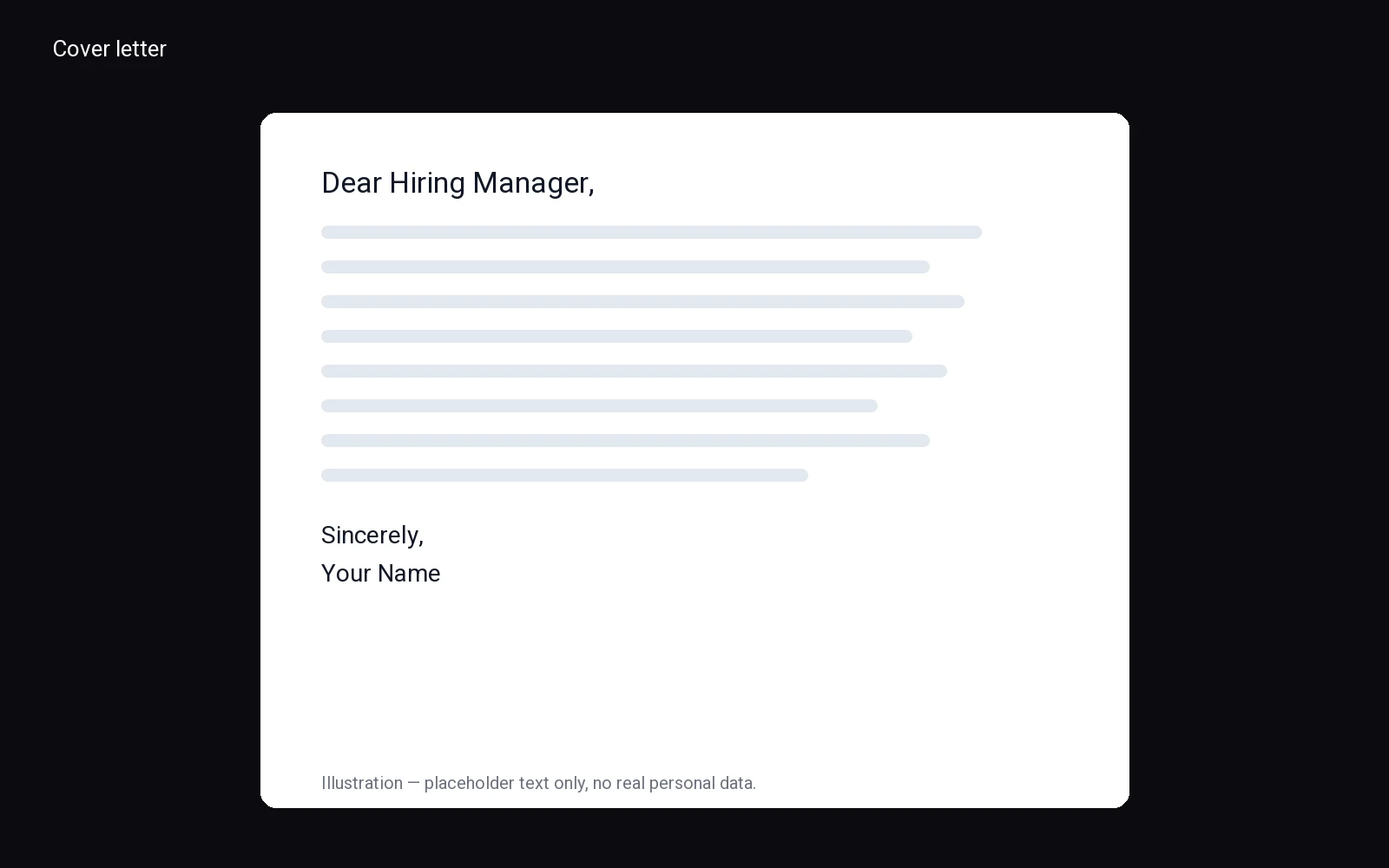
Standard Cover Letter Format Structure
Start your document with your full name, phone number, email address, and LinkedIn profile URL at the top. Place this information in a clean, centered block or aligned to the left margin. Avoid using graphics or complex tables here. Simplicity ensures your contact details remain readable across different devices and applicant tracking systems. This initial section sets a professional tone before the hiring manager even reads your first sentence.
Next, insert the date and the recipient’s specific details. List the hiring manager’s name, their job title, the company name, and the company’s address. If you cannot find the specific person’s name, use a generic professional title like "Hiring Manager" rather than "To Whom It May Concern." This small change shows you made an effort to research the team. Keep this section concise and directly below your contact information.
The body of the letter requires three distinct paragraphs. Use strong, active verbs to describe your achievements. Do not merely list your duties; explain the impact of your work. Connect your skills directly to the job description. Use bold text sparingly to highlight key qualifications if the company accepts plain text files, but avoid heavy formatting. Keep sentences short and punchy. Your goal is to make it easy for the reader to scan for relevant experience. The value you bring should be obvious within the first few lines of each paragraph.
- Set margins to one inch on all sides.
- Save the final file as a PDF to preserve layout integrity.
Conclude with a polite closing statement that reiterates your enthusiasm for the role. Thank the reader for their time and invite them to contact you for an interview. Sign off with "Sincerely" followed by your typed name. This structure creates a logical flow that guides the reader’s eye naturally from top to bottom. Adhering to this standard cover letter format demonstrates your attention to detail and respect for the hiring process. It shows you understand professional norms without needing to be told. A well-structured document reduces friction for the recruiter, allowing them to focus on your qualifications rather than deciphering your layout. Prioritize clarity over creativity in the structural elements. Your content should shine, not your design choices. Stick to the basics to ensure your message is received clearly and professionally by any hiring team.
Header and Contact Information Layout
Start your document with a clean, left-aligned block of text. This section sets the tone for the entire cover letter format by establishing immediate professionalism. Place your full name on the very top line. Below that, list your professional title or current role. Next, include your street address, city, state, and zip code. Finally, add your email address and phone number. Keep this information current and accurate so the hiring manager can reach you easily.
Leave a single blank line between your contact block and the date. The date should stand alone on its own line. Use a standard format like Month Day, Year. Do not include timestamps or other extraneous details. This creates a clear visual break that guides the reader’s eye toward the main body of your message. Consistency in alignment is crucial. Ensure every element in this header section aligns perfectly to the left margin. Ragged right edges can look messy and distract from your content.
Next, insert another blank line before the employer’s details. Start with the specific name of the hiring manager if you know it. If not, use the department name or the company name. Include their full mailing address below the name. This mirrors your own layout and shows attention to detail. Avoid using abbreviations in names or street types. Write out "Avenue" instead of "Ave" to maintain a formal tone. Your goal is to create a balanced, symmetrical look at the top of the page.
- Use a standard, readable font for all contact information.
- Keep the font size between ten and twelve points.
Double-check every digit in your phone number and every character in your email address. Typos here signal carelessness. A polished header invites the reader to continue down the page. It demonstrates that you respect the employer’s time and understand basic business etiquette. This initial visual impact matters as much as the words you will write later. A well-structured start makes the rest of your cover letter format easier to digest. Take your time with this section. It is the first thing they see, so it must be flawless. Clear, concise, and correctly aligned information builds trust before they even read your opening sentence. Make sure the spacing feels generous but not excessive. Tight spacing can make the text feel cramped and difficult to scan. Balance is key to achieving a professional appearance that stands out in a stack of applications.
Salutation and Opening Paragraph Guide
Start strong by addressing the hiring manager directly. Use their name if possible—"Dear [Name]" shows effort. If you can't find it, "Dear Hiring Manager" works. Avoid generic greetings like "To Whom It May Concern."
In your opening paragraph, introduce yourself and state the job you're applying for. Keep it concise. Mention where you found the role and why you're excited. For example:
- Show enthusiasm for the company or role.
Example: "I’m a marketing specialist with experience in digital campaigns, excited to apply for the Marketing Coordinator role at [Company]. Your focus on innovative strategies aligns with my passion for creative problem-solving."
This approach sets a professional tone and gives context. Avoid repeating details from your resume. Stick to the cover letter format by keeping this section brief and engaging.
Body Paragraphs: Skills and Achievements
Start your middle section by connecting your past work directly to the job description. Avoid listing every duty you have ever performed. Instead, select two or three specific achievements that prove you can solve the problems this company faces. This approach shifts the focus from what you did to the value you delivered. You want the hiring manager to see immediately how your background fits their needs.
Use the STAR method to structure these points. Situation, Task, Action, and Result create a clear narrative. Briefly set the context, describe the specific action you took, and end with a measurable outcome. This concrete detail is far more persuasive than a vague claim about improving efficiency. Keep each achievement concise. One or two sentences per point are enough to make an impact without overwhelming the reader.
- Match your skills to the top requirements in the job posting.
- Use action verbs like led, built, or resolved to start sentences.
This section is the core of your cover letter format. It must bridge the gap between your resume and the role. Do not repeat bullet points from your resume verbatim. Expand on them with context and results. Show how you applied your skills in real-world scenarios. If you lack direct experience, highlight transferable skills. Explain how you managed a similar project in a different industry or how you taught yourself a relevant tool. The goal is to demonstrate capability, not just list titles. By focusing on tangible results, you prove that you can handle the responsibilities of the new position. This builds trust and confidence in your ability to contribute from day one. Keep the tone professional but confident. You are selling your potential value to the team, so ensure every sentence supports that claim. A well-structured body section makes your application stand out and encourages the reader to continue to your closing remarks. This clarity respects their time and shows your attention to detail.
Closing Paragraph and Call to Action
Close with a direct request for an interview. Reiterate how your skills align with the role by referencing a specific project or result from the body. Keep this section concise to clarify your objective immediately.
Suggest availability by offering specific days or times. Repeat your phone number and email address to eliminate friction. Place contact details above the sign-off if missing from the header. End with a standard closing like Sincerely followed by your full name to facilitate a response.
- Thank the reader.
- Request an interview directly.
- List contact information.
- Sign with your full name.
A clean closing demonstrates respect and simplifies the next step. Maintain confidence and politeness. Avoid vague language that obscures your interest.
Signature and Professional Sign-off
End your letter with a professional closing phrase like Sincerely, or Best regards, followed by your typed name. Align the closing with the left margin and leave space for a signature if printing. Use the same name as on your resume for consistency.
Avoid casual closings such as "Thanks" or "Cheers." Keep the font consistent with the letter's body. Bold or italicize your name only if necessary; otherwise, plain text is preferable.
Place your name directly below the signature space. Omit phone and email unless requested. Ensure the closing block matches the left edge of your paragraphs for a tidy appearance.
- Sincerely,
- Best regards,
- Yours truly,
Select a closing phrase from the list, add a comma, then press Enter several times before typing your full name—no nicknames unless used professionally. A clean format enhances readability and demonstrates attention to detail.
Visual Formatting and Font Guidelines
Choose a clean font that is easy to read on screens and paper. Good options include Calibri, Arial, or Georgia. Set the size so the text is clear but not large. Avoid script or decorative styles that distract from your message.
Use one inch margins on all sides. Keep line spacing single within paragraphs. Add a blank line between each paragraph to create white space. Align text to the left, not justified, so the right edge stays ragged.
If you need to break lines, do so only at natural pauses. Save as a PDF unless the employer asks for another file type.
Place your contact details at the top of the page. Include your name, phone number, and email address. Do not add a photo unless the job posting requests one. Keep the header simple so it does not compete with the body text.
This cover letter format works best when the layout stays simple and consistent. Hiring managers scan quickly, and a clean page helps them focus on your words.
- Use a standard font such as Calibri, Arial, or Georgia.
- Set margins to one inch on every side.
- Keep line spacing single inside paragraphs.
- Leave a blank line between each paragraph.
Related reading: action verbs for resume, job search action plan template, cover letter template.
Frequently asked questions
what is the standard cover letter format
Use a clean, professional layout with your contact information, date, and recipient details at the top. Follow with a greeting, three concise paragraphs highlighting your fit, and a polite closing signature. Keep margins standard and choose a readable font like Arial or Times New Roman for clarity.
should a cover letter be one page
Yes, keep your cover letter to a single page. Recruiters appreciate brevity and focus. Summarize your most relevant achievements and qualifications concisely. If you struggle to fit everything, prioritize impact over exhaustive details to maintain readability and respect the hiring manager's time.
how to format a cover letter for email
Place your contact details in the email signature rather than the body. Start directly with a professional greeting and keep paragraphs short for screen readability. Use a clear subject line and attach the document as a PDF to preserve formatting across different devices and operating systems.
what font size for a cover letter
Choose a font size between ten and twelve points for optimal readability. Avoid overly large or small text that strains the eyes. Pair this with standard line spacing and margins to create a balanced, professional appearance that is easy to scan quickly during initial reviews.
If you want the mechanical part done for you, FuqHR takes your existing CV and the job ad and produces a tailored, ATS-friendly version: how it works · pricing · try it on your own CV.