Hiring managers typically spend a few seconds scanning your cv before deciding whether to read on.
You need a clear and concise cv template to make a strong impression and get noticed by potential employers, showcasing your skills and experience in a way that sets you apart from other candidates.
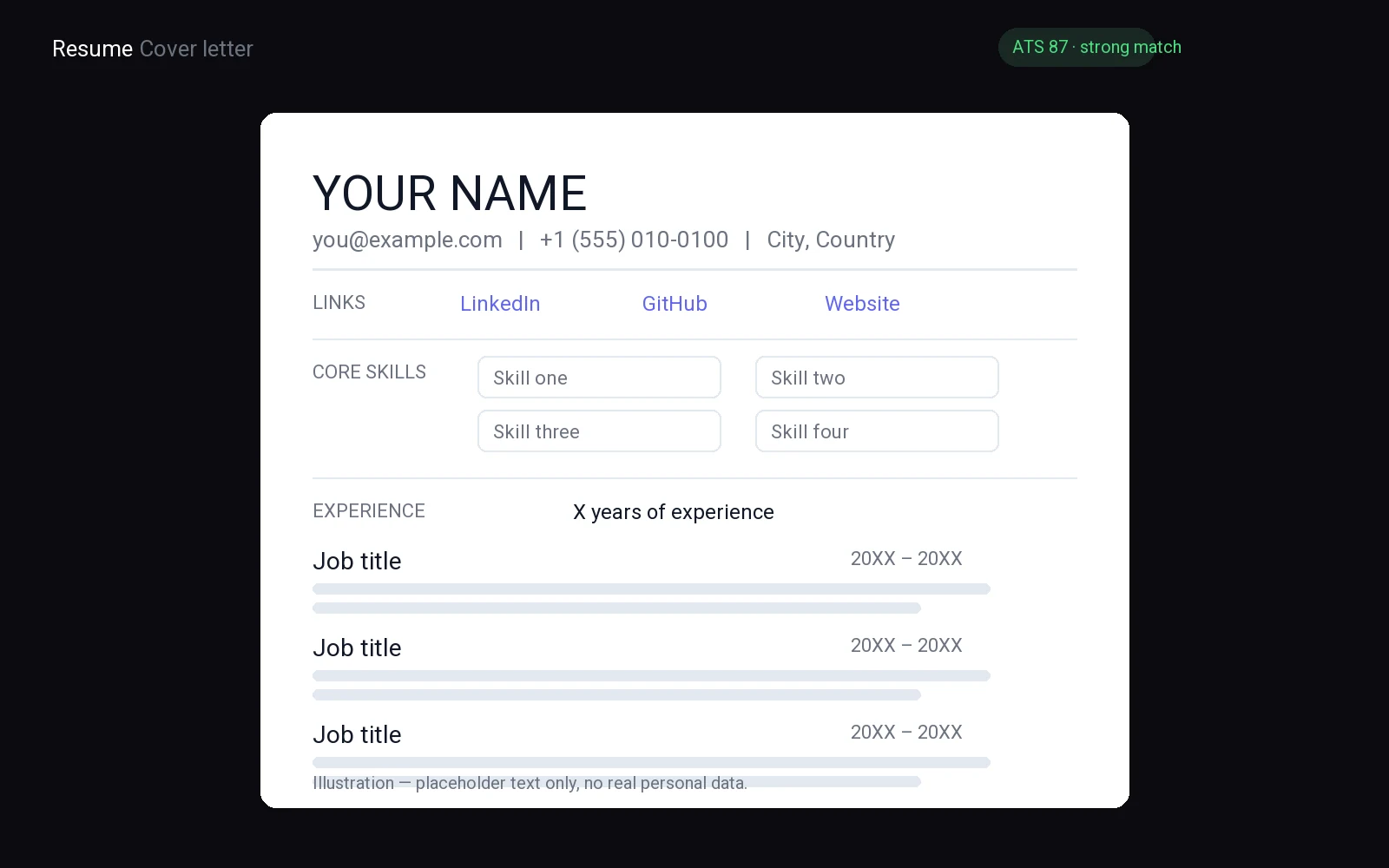
If you want the mechanical part done for you, FuqHR takes your existing CV and the job ad and produces a tailored, ATS-friendly version: how it works · pricing · try it on your own CV.
How to Choose the Right CV Template for Your Industry
Match your cv template to industry norms. Creative roles require layouts that showcase flair through colors and graphics, provided they do not overwhelm the content. Corporate sectors demand clean, professional styles with simple fonts and neat structures.
Align visual flow with content type. Creative fields accommodate unique sections like portfolios, while corporate roles rely on clear, concise bullet points. Evaluate your design against these criteria:
- Does it meet specific industry standards?
- Is the information easy to read?
Choose a design that highlights skills without distraction. Clarity is the goal; let your achievements shine through the right template.
Essential Sections Every CV Template Must Include
Place your full name, phone number, professional email address, and city at the top. Use an email containing your name, not a nickname. Include a LinkedIn link only if it is current and consistent with your CV content.
Write a concise professional summary stating your current role, key strengths, and target position. Replace vague statements with plain facts to immediately identify you to recruiters.
- Work history detailing job titles, companies, locations, dates, and achievement bullets.
- Education listing degrees, institutions, locations, and completion dates.
- Skills section highlighting tools and abilities relevant to the target job.
Include certifications, licenses, or language skills only if they relate to the desired role. Maintain consistent spacing and clear section breaks for quick scanning. Arrange blocks in a logical order, placing your most recent job first to highlight latest experience. Verify contact details are accurate to ensure employers can reach you promptly.
Copy-paste skeleton
[Full Name]
[Phone] | [Email] | [City]
SUMMARY
[Job Title] professional with [Skill] and proven [Achievement].
EXPERIENCE
[Job Title]
[Employer] | [Dates]
[Achievement]
EDUCATION
[Job Title]
[Employer] | [Dates]
SKILLS
[Skill]
Formatting Rules That Keep Your CV ATS-Friendly
Choose a simple font like Arial, Calibri, or Helvetica in eleven or twelve point size. Avoid using cursive, symbols, or text boxes, and keep your layout clean to ensure the CV template loads correctly in every system.
Set margins to a standard width to prevent content from being skipped by parsing software. Avoid using columns, headers, and footers, as they can break the read order. Use left alignment only for a clean and readable format.
- Save your file as a .docx or .pdf for maximum compatibility.
- Avoid uploading files in .jpg, .png, or .html format.
- Use plain black text on a white background for optimal readability.
Use single line spacing and leave a clear space between sections. Refrain from inserting tables or graphics, as the parser requires plain text to match your skills with the job description. Ensure that bullet points use standard symbols.
Name your file with your first and last name only, keeping the file name short and clear.
After saving, open the file to confirm that all text appears correctly and no characters have changed. This ensures that the CV template is clean and error-free, allowing the software to find your details without issues. Review the final version before applying.
Customizing a Template Without Losing Its Structure
Replace every placeholder line with your own information before you adjust spacing or fonts. Keep the section order exactly as it appears in the original design. Moving contact details to the bottom or merging education with work history breaks the layout recruiters expect. Do not delete divider lines or change column widths unless you know how to rebalance the whole page.
Use the same font family and size for all body text. Do not shrink margins to fit more content. Leave the same amount of white space around each block. If you add a new section, place it at the end and match the heading style of the rest. Avoid bolding every sentence because it removes visual hierarchy.
- Keep the original section order.
- Use one font for the entire page.
- Save the file as a PDF before sending.
A clean cv template stays readable when you swap in real details. Focus on clear wording and consistent formatting rather than decorative changes. Print a copy to check that nothing looks crowded or cut off at the edges. Ask a friend to read the final version and flag anything that looks out of place.
Common Design Errors in Free CV Templates to Avoid
Avoid free CV templates with heavy borders, photo frames, or background images. These elements push your experience to later pages. Place your contact information at the top without logos or frames.
Use black text on a white background. Avoid clashing colors; use one accent color for section titles. Skip bright blocks of color in headers.
Select a readable font size. Avoid script fonts or decorative letters. Use a single clean typeface throughout.
- Avoid clip art and icons next to job titles.
- Eliminate gradient backgrounds or patterned fills.
- Stick to one clean font family.
Save your CV as a PDF to maintain formatting. Print and check readability from arm's length. Have a friend read it aloud to spot crowded areas.
Where to Download High-Quality CV Templates for Free
Searching for a polished cv template can be overwhelming, but finding high-quality, free designs doesn't have to be. Here are some reliable sources to help you stand out without breaking the bank:
- Indeed: Known for its job listings, Indeed also offers a range of cv templates that are clean, professional, and easy to customize.
- Zety: Zety provides modern cv templates that are compatible with popular word processors. They're designed by professionals and free to use.
- Canva: Canva's cv templates are highly customizable and perfect for job seekers who want to add a touch of creativity to their resume. No design skills required.
While these platforms offer free cv templates, you may need to pay for premium features like unlimited editing or priority support. But for most job seekers, the free options will be more than sufficient. Happy downloading!
Best Free CV Templates for Word & Google Docs
Start by downloading a clean, uncluttered cv template that fits your industry standards. For Microsoft Word users, search for "professional resume template" in the built-in gallery. These files offer pre-set margins and consistent font styles, saving you hours of formatting work. You can easily edit the text boxes to insert your own details without breaking the layout. If you prefer cloud-based collaboration, Google Docs provides a similar library under the "New" menu. Select a simple design with clear section headers for work experience and education. Avoid flashy graphics or complex tables that may distort when copied or printed. Stick to standard fonts like Calibri or Arial for maximum readability across different devices.
- Choose a single-column layout to ensure compatibility with Applicant Tracking Systems.
- Replace placeholder text with your specific achievements and skills immediately.
- Save your final version as a PDF to lock in the formatting before sending.
Before sending, print a copy to check for visual balance. Ensure your contact information stands out at the top. Use bold text sparingly for job titles and company names. Keep bullet points concise and action-oriented. A plain white background remains the safest choice for professional applications. Do not add photos unless required by the specific job posting. Focus on clarity and structure so recruiters can scan your qualifications quickly. This approach demonstrates attention to detail and respect for the hiring manager's time. Download at least three options to compare readability. Pick the one that makes your strongest content pop without looking cluttered. A well-structured document helps your skills stand out in a crowded inbox. Take the time to customize each section carefully. Your goal is to present your professional history in the most accessible way possible. This small effort can significantly improve how your application is perceived during the initial screening phase. Keep the design minimal and the content relevant to the role you seek.
Minimalist vs. Creative CV Templates: Which Works Best?
Choose a design that reflects the personality of your target industry. A minimalist layout uses clean lines, ample white space, and standard fonts. This style directs all attention to your specific achievements and skills. It works best for corporate roles, finance, law, and administration. Recruiters in these fields expect order and clarity. A busy page distracts them from your core value. Stick to black or dark gray text on a white background. Avoid decorative borders or icons that clutter the page. Your content must stand on its own merit.
Creative templates use color, graphics, and unique layouts. They signal innovation and visual thinking. This approach fits well in marketing, design, media, and startup environments. If your role requires visual storytelling, a bold format can set you apart. However, do not sacrifice readability for flair. Ensure your text remains easy to scan quickly. A creative should enhance your story, not hide it. Use color to highlight key sections like skills or project outcomes. Keep the overall structure logical. Do not place contact information in a hard-to-find corner.
Mix and match elements if you need a middle ground. You can use a simple layout with one subtle accent color. This balances professionalism with a personal touch. Look at job postings for your dream role. Notice the tone of the language used. If the description feels formal, choose a plain design. If it feels energetic, try a softer creative style. Your resume is a marketing document. It must align with the brand image you want to project. Test different designs by printing them out. Check how they look on paper. A screen may hide layout issues that print reveals. Select the option that makes your strongest skills pop immediately. Your goal is to make hiring easy. A clear, matched design reduces friction in the review process. Focus on clarity above all else.
- Use sans-serif fonts for modern roles
- Keep margins consistent at one inch
Related reading: action verbs for resume, job search action plan template, resume template.
Frequently asked questions
what is the best cv template for entry level jobs
Choose a clean, single-column layout with clear headings. Avoid flashy graphics that might confuse automated tracking systems. Prioritize readability and ensure your contact details stand out at the top for quick reference by hiring managers.
should i use a photo on my cv template
Generally, omit photos unless specifically requested by the employer or required by local customs. In many Western countries, including images can introduce unconscious bias. Focus entirely on your qualifications and experience to present a professional image.
how do i format my cv template for ats
Use standard section headings like Experience and Education. Avoid tables, text boxes, or complex graphics that software cannot read. Save your document as a PDF or Word file with a simple, legible font to ensure compatibility with applicant tracking systems.
is it okay to use a free cv template online
Yes, many free templates are high quality and professional. Just ensure the design is clean and not overly cluttered. Customize the content thoroughly to match your specific skills and the job description rather than leaving generic placeholder text visible.
If you want the mechanical part done for you, FuqHR takes your existing CV and the job ad and produces a tailored, ATS-friendly version: how it works · pricing · try it on your own CV.