Most resumes are read twice: first by software that decides whether a human ever sees the file, then by a recruiter who scans the top of the page for a reason to keep reading. The skills section sits in the middle of both passes, and it is usually the part people edit last — often by dumping every tool they have ever opened into a list.
This guide shows what the section is for, gives copy-ready skill lists for seven common jobs, and ends with a template you can paste into your resume and adjust in a few minutes. If you are starting from a blank page, read it alongside our guide to writing a CV with no experience.
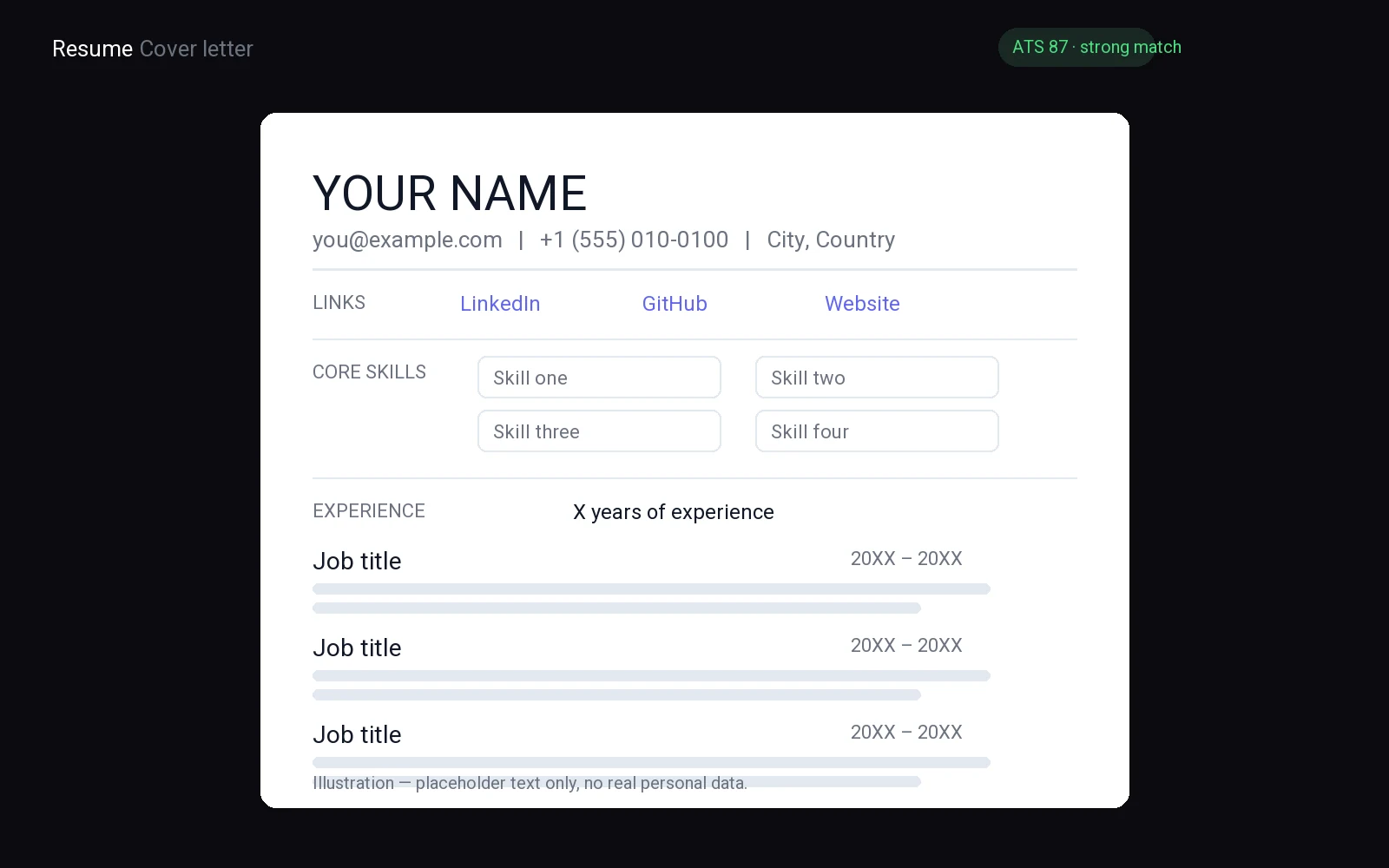
What a skills section is actually for
Recruiters do not read a stack of resumes from top to bottom. They search. In an applicant tracking system they type a term — the tool, the language, the certification — and get a list of candidates whose files contain it. Your skills section is the part of the resume written for that search.
It does three jobs at once:
- It names the tools. A bullet that says you “improved reporting” is invisible to a search for Excel or Tableau. The skills line is where those words live in plain text.
- It mirrors the ad’s vocabulary. If the posting says “stakeholder management” and your resume says “talked to the client”, the match is real but the search cannot see it.
- It gives the human a summary. A recruiter who has ten seconds uses the section to decide whether the rest of the page is worth reading.
The placement that works for most people is directly below the summary and above work experience, because that is the order in which both readers look. Two exceptions are worth knowing: career changers should put the most relevant skills first even if that means moving the section up, and students can put education above experience but should still keep skills near the top. If the summary directly above it is still a blank space, our resume summary examples show the shape that keeps the two blocks from repeating each other.
Hard skills vs soft skills
Almost every argument about the skills section is really an argument about this split, so it is worth being precise.
Hard skills are teachable and checkable
A hard skill is a tool, a language, a method, a piece of equipment or a body of knowledge that someone could test you on: SQL, payroll administration, forklift operation, lesson planning, Photoshop, contract review. These are the entries that earn their place in the section, because they are what the employer is filtering for and what you can demonstrate in an interview.
Soft skills are behaviour, and behaviour needs evidence
“Team player”, “detail-oriented” and “hardworking” are not skills in the sense the section needs — every candidate claims them, so they filter nobody in or out. They are far stronger as a sentence about something you actually did: trained two new hires on the returns process and wrote the checklist they still use proves far more than the adjective does.
There is one legitimate case for listing a soft skill: the ad names it explicitly. If a posting lists “conflict resolution” or “written communication” among its requirements, include the term in your list — and make sure at least one bullet under experience shows it. The list gets you found; the bullet gets you believed.
Resume skills section examples by job title
Copy the group closest to the job you are applying for, then delete anything you cannot back up with an example from your history. The names in brackets are the tools most often named in job ads for that role; swap in the ones you actually use.
Customer service
- CRM software (Zendesk, Salesforce Service Cloud, HubSpot)
- Ticket triage and escalation
- Order processing and returns handling
- Live chat, phone and email support
- Complaint resolution and de-escalation
- Refund and policy administration
- Customer onboarding and follow-up
Software engineer or developer
- Languages: Python, JavaScript, TypeScript, Java, Go
- Version control with Git and code review
- REST and GraphQL API design
- SQL and relational database modelling
- Testing: unit, integration, end-to-end
- CI/CD pipelines and deployment
- Cloud services (AWS, Google Cloud, Azure)
- Debugging and performance profiling
Teacher or education role
- Lesson planning and curriculum design
- Classroom management
- Assessment design and marking
- Differentiated instruction for mixed-ability groups
- Learning management systems (Google Classroom, Moodle, Canvas)
- Parent and guardian communication
- Individual education plan support
Student or new graduate with no work experience
- Academic research and referencing
- Report and essay writing
- Group project coordination
- Presentation software (PowerPoint, Google Slides)
- Spreadsheets and basic data analysis (Excel, Google Sheets)
- Lab or studio methods from your course
- Language skills, with level stated honestly
Retail and food service
- Point-of-sale systems (Square, Toast, Lightspeed)
- Cash handling and end-of-shift reconciliation
- Stock rotation and inventory counts
- Food safety and hygiene procedures
- Opening and closing routines
- Merchandising and display setup
- Till and queue management at peak hours
Project manager
- Project tracking tools (Jira, Asana, Trello, MS Project)
- Scope, schedule and budget planning
- Risk and issue management
- Stakeholder communication and reporting
- Agile, waterfall and hybrid delivery
- Requirements gathering and documentation
- Vendor and contract coordination
Administrative or office assistant
- Calendar and inbox management
- Meeting coordination and minute-taking
- Document preparation and filing systems
- Office software (Microsoft 365, Google Workspace)
- Travel booking and expense reports
- Data entry and record keeping
- Front-desk and phone handling
How to choose skills from the job ad
The list is not a biography of everything you know. It is an answer to one posting, and the posting tells you what belongs in it.
- Use the ad’s exact words. If it says “stakeholder management”, write that, not “communication”. Matching the wording is not gaming the system — it is the same skill described in the language the employer uses.
- Work through the requirements in order. Most ads separate must-haves (“required”, “you will have”) from nice-to-haves (“bonus”, “nice to have”). Cover the must-haves first; add the rest only if they are genuinely true.
- Put the most relevant skill first. The first two or three entries are the ones a scanning reader actually absorbs.
- Cut what is true but irrelevant. A driving licence on an office job, or a hobby language on a technical role, takes space from something that would have matched.
- Only list what you can evidence. A skill in the list that never appears in your work history reads as padding, and it is the first thing an interviewer probes.
If you want a repeatable method for pulling those terms out of a posting, our guide to finding keywords in a job description walks through it. Once the list is built, the next step is the rest of the page: see how to tailor a CV to a job description.
Resume skills section template you can copy
Use one heading and one format throughout. Grouped labels read fastest and keep related terms together, which also helps the software that parses the file. Replace the examples with your own, keep the colons and commas, and do not add a second heading level inside the section.
SKILLS

Languages: Python, SQL, JavaScript
Tools: Git, Docker, Jira, Postman
Cloud: AWS (EC2, S3, Lambda)
Methods: Agile delivery, code review, incident response
The same shape works outside tech. A customer service version reads: Platforms: Zendesk, Shopify admin. Skills: complaint resolution, returns processing, live chat support. Languages: English (native), Spanish (professional). A teaching version reads: Curriculum: secondary English, exam preparation. Systems: Google Classroom, Moodle. Skills: lesson planning, assessment design, parent communication.
If grouping feels forced, a plain bullet list is fine — one skill per line, no sub-bullets. What matters is that each item is a real term someone might search for, spelled the way the ad spells it.
How to format the section so an ATS can read it
Applicant tracking systems convert your file into text fields before anyone reads it. Anything that only exists visually can disappear in that conversion, and a skills list is the easiest thing on the page to lose.
- Skip tables and columns. Two-column skill grids are the most common casualty: the parser reads across the page and welds unrelated terms into one line.
- Do not use rating bars, dots or star ratings. They carry no text, and “Excel — four dots” means nothing to a search.
- Avoid icons and images for labels. A phone icon is not the word “phone”.
- Keep it out of headers and footers. Many systems drop those regions entirely.
- Use a standard heading. “Skills” is recognised; “My Toolkit” is a guess.
The mechanism behind all five is the same, and it is covered in detail in how ATS ranks your resume: if the software cannot parse a field, it cannot match it. FuqHR’s templates are built the other way round — standard section headings and a single-column reading order — and the hard-skills criterion carries the largest weight in its ATS score, which is why the section is worth more attention than it usually gets.
Mistakes that cost interviews
- Listing only adjectives. “Hardworking, reliable, detail-oriented” tells a reader nothing they can check.
- Repeating one keyword. Writing “project management” five ways makes the section unreadable and does not improve the match.
- Inventing levels. Writing “Excel: expert” or “Python: advanced” invites a test you may not want.
- Contradicting the rest of the page. A skill listed here but absent from every role looks copied from a template.
- Leaving an old template’s placeholder. An empty “Skills” heading, or one still holding another profession’s list, is worse than no section.
- Burying it at the bottom. Below hobbies, or on page two, it stops doing the one job it has.
One practical way to avoid all six at once: build the section last, after the experience bullets are written, and check every entry against something you actually did. If a line cannot survive that check, delete it — the section gets stronger, not weaker. The other half of the job is volume: our free job search action plan template sets out a daily routine for getting the finished resume in front of more of the right postings.
Want the section checked against the ad you are applying to? Paste the posting into FuqHR and it rewrites the resume against that description, scores the hard-skills match separately from the rest, and gives you the export kit to send. Start free — free while FuqHR is in beta, no card.
FAQ
How many skills should I list on a resume?
Enough to cover the must-haves in the ad and no more. A short block that a reader can scan in one pass beats a long list where the relevant terms are buried. If you are adding skills that have nothing to do with the job, the list is already too long.
Should I list soft skills on a resume?
Only the ones the posting names, and only if your experience section backs them up. Everywhere else, soft skills work better as evidence in a bullet than as adjectives in a list.
Do I need a different skills section for every job I apply to?
Yes, at least a revised one. The section is the cheapest part of the resume to re-order: keep your full inventory in a separate notes file, then paste in the subset that matches each posting and lead with the terms the ad uses.
Can I list skills I am still learning?
Yes, if you can show where you have used them. Label them honestly — “working knowledge” or “coursework” is fine — and never claim a level you would fail to demonstrate in an interview.
Where should the skills section go on a resume?
Below the summary and above work experience for most candidates. Career changers and students can move it higher, because the skills are the strongest evidence they have. It should never sit below hobbies or on a second page.